Instagram SEO: How to Get Found in Search (Not Just the Feed)
Instagram has its own search engine, and since July 2025 Google indexes a slice of public posts too. Here's where your keywords actually matter.
 Insta Saver TeamJune 4, 20266 min read
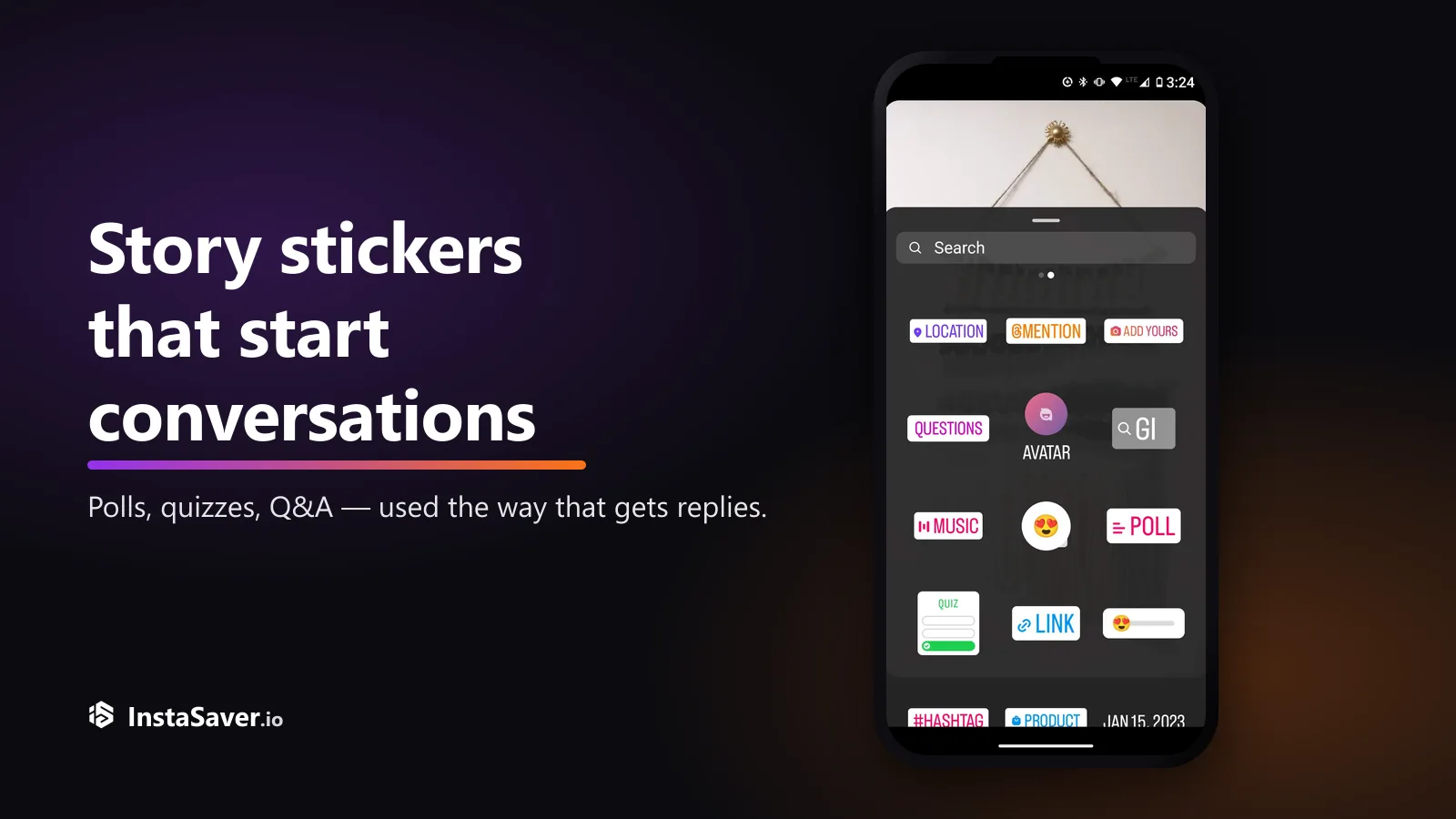
Story stickers turn a one-way Story into a two-way conversation — but only if you ask the right thing. Here’s the practical playbook for polls, quizzes, Q&A, and sliders.
 Insta Saver TeamJune 4, 20266 min read
A Story with no sticker is a broadcast — people watch and tap away. A Story with the right sticker is a conversation: one tap and your viewer has done something, and now you have a reason to reply. That single tap is the whole point. It's the lowest-effort engagement Instagram offers, and most accounts barely use it.
This is a practical playbook, not a feature list. We'll go through which stickers actually earn a response, how to word them so people bother, and — the part almost everyone skips — what to do with the answers once they come in.
Every sticker lowers the cost of engaging. Typing a comment is effort; tapping one side of a poll is not. That's why interactive Stories pull responses from people who'd never comment on a feed post — you've made participating almost free. And each tap is a small signal that someone chose to engage with you rather than swipe past.
There's a second benefit that's easy to miss. Once someone taps your poll or answers your question, the interaction often continues in DMs or on your next frame — and a private back-and-forth is far stickier than a like. It's the difference between someone who saw your Story and someone who now expects to hear back from you.
The lower the effort, the more people do it. Polls and sliders get the widest participation for that reason.
Question stickers move the conversation into your inbox — the start of a real back-and-forth, not a public one-off.
Answers are content. Share results, reply on-screen, and turn the best questions into their own Stories.
Open the sticker tray in the Story editor and there's a lot there. Only a handful reliably start conversations. Here's what to reach for, and when.
| Poll | Fast opinions, this-or-that | One tap | You want the widest participation on a simple choice. |
| Emoji slider | A feeling or intensity | One drag | A yes/no is too blunt — “how excited are you?” |
| Quiz | Teaching, testing, fun facts | One tap | You know something your audience will want to guess. |
| Questions | Open answers, Q&A, ideas | A short type | You want real input or to run an Ask-Me-Anything. |
| Add Yours | Chains and prompts | Post their own | You want people to spread a theme to their Stories. |
The sticker is only half the job — the prompt is the rest. A poll that asks something vague gets ignored just like a boring caption. The fix is the same as writing captions that get comments: be specific, make it easy, and give people something they actually have an opinion on.
“Do you like our new product?” or “Thoughts?” — nothing at stake for the viewer, so they scroll on.
“Iced or hot — which are you ordering today?” or a quiz: “Guess how long this took to make.” Easy, and about their opinion.
Getting responses is only step one. The accounts that build real engagement treat answers as fuel for more content — which also tells people that responding was worth it, so they do it again next time.
Re-post a poll’s split or the slider average to your Story. People come back to see if their side won.
Answer a Question sticker response by adding it to a new Story frame. It rewards the asker and prompts others.
The questions people ask are a content list. A good one can become its own Story, Reel, or post.
Say you run a small bakery account and post a Questions sticker: “Ask me anything about baking at home.” Ten people reply. Most guides stop at “reply in your DMs.” Here's how to get a week out of it instead:
That's the loop: ask, reuse, re-ask. One sticker seeded a Story reply, a carousel, and next week's prompt — and every answer told your audience that engaging with you goes somewhere.
None of this needs a big following. A small account that asks one genuine question per day will out-engage a bigger one that only broadcasts. Stickers are also just one lever — the wider view of what earns reach across Stories, Reels, and feed is in how the algorithm actually works.
A Story that asks nothing gets watched. A Story that asks one easy thing gets answered.
See a Story doing stickers well? Insta Saver's free anonymous story viewer lets you watch public Instagram Stories to learn from — no login, right in your browser.
We build free Instagram tools — an anonymous story viewer plus photo, video, reels, and profile downloaders — and write practical guides on saving, viewing, and understanding Instagram content, without the hype.
More about usInstagram has its own search engine, and since July 2025 Google indexes a slice of public posts too. Here's where your keywords actually matter.
Instagram capped hashtags at five and quietly killed hashtag-follow. Here is what that actually means, and what to use instead for the reach hashtags used to promise.