
Instagram SEO: How to Get Found in Search (Not Just the Feed)
Instagram has its own search engine, and since July 2025 Google indexes a slice of public posts too. Here's where your keywords actually matter.
Sep 8, 2026•9 min read
Read articleDownload any Instagram video in 3 simple steps

Open the video (or reel), tap Share (or "..."), then choose Copy link.
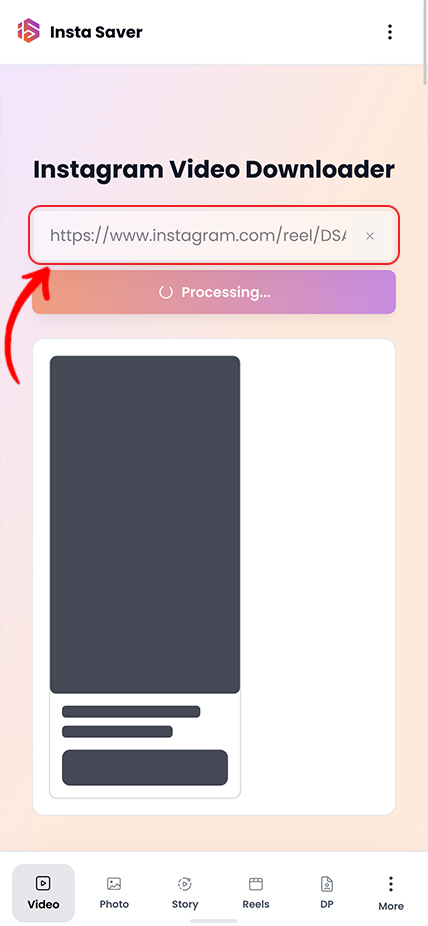
Paste the link above and tap Download.
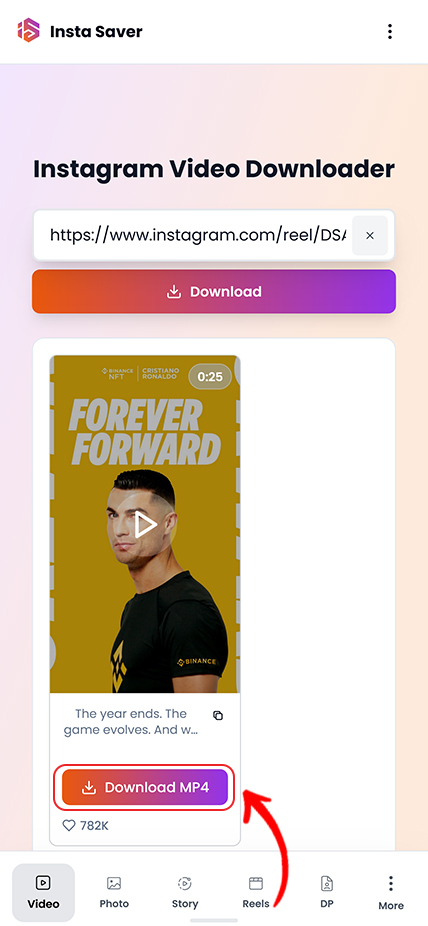
Choose the available quality and save the video to your device.
Practical tips and strategies to elevate your Instagram game.
Instagram has its own search engine, and since July 2025 Google indexes a slice of public posts too. Here's where your keywords actually matter.
Instagram capped hashtags at five and quietly killed hashtag-follow. Here is what that actually means, and what to use instead for the reach hashtags used to promise.
Your photo looks crisp on your phone, then Instagram serves it back soft and washed out. You can't turn compression off — but you can hand Instagram a file it barely has to touch.
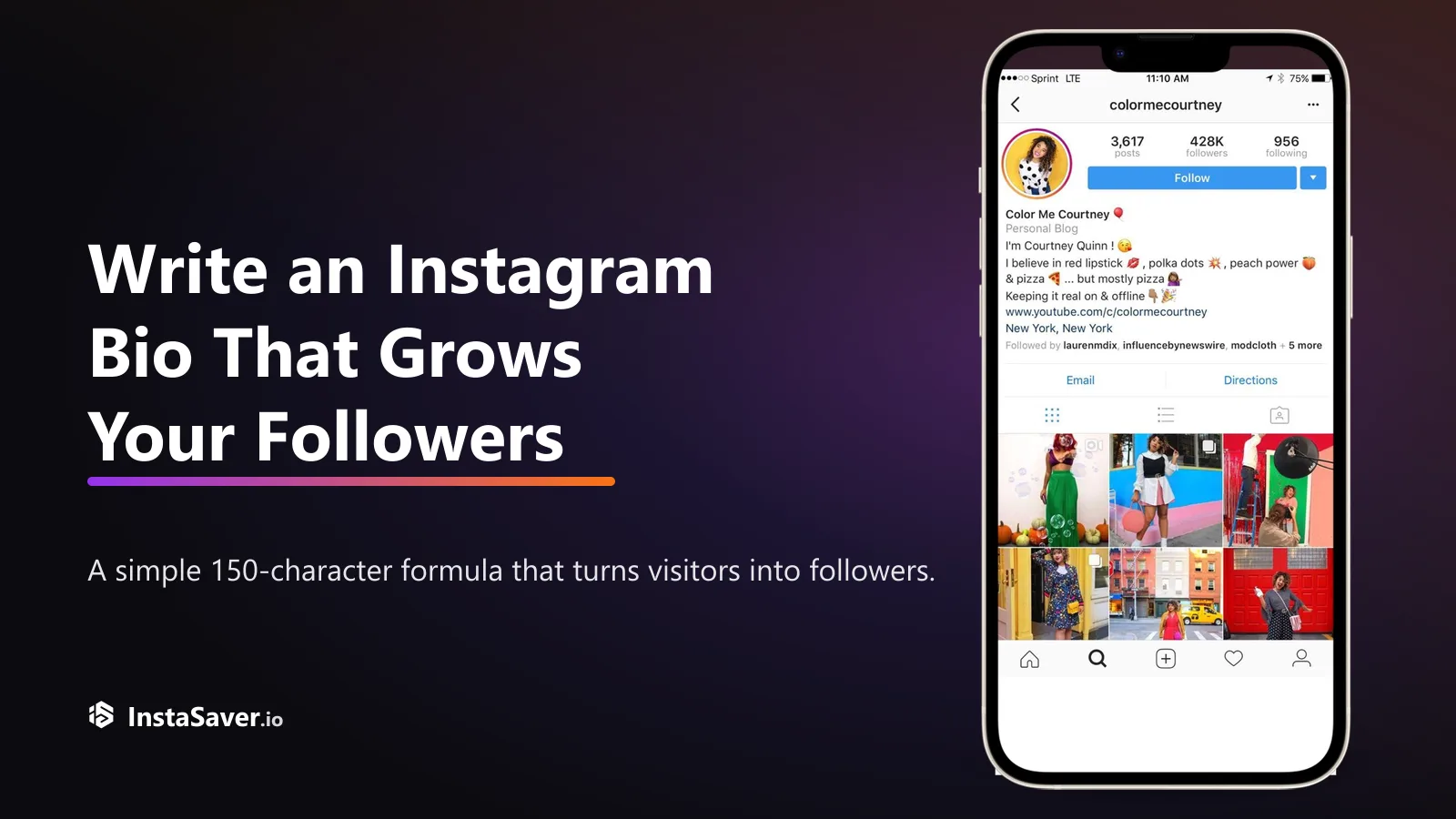
Someone lands on your profile with one question: 'why should I follow?' Your bio has about three seconds and 150 characters to answer it. Here's the formula that does.

The exact pixels for every Instagram format in 2026, and the safe zones where the app's own UI covers your content — so nothing important gets hidden behind a button.
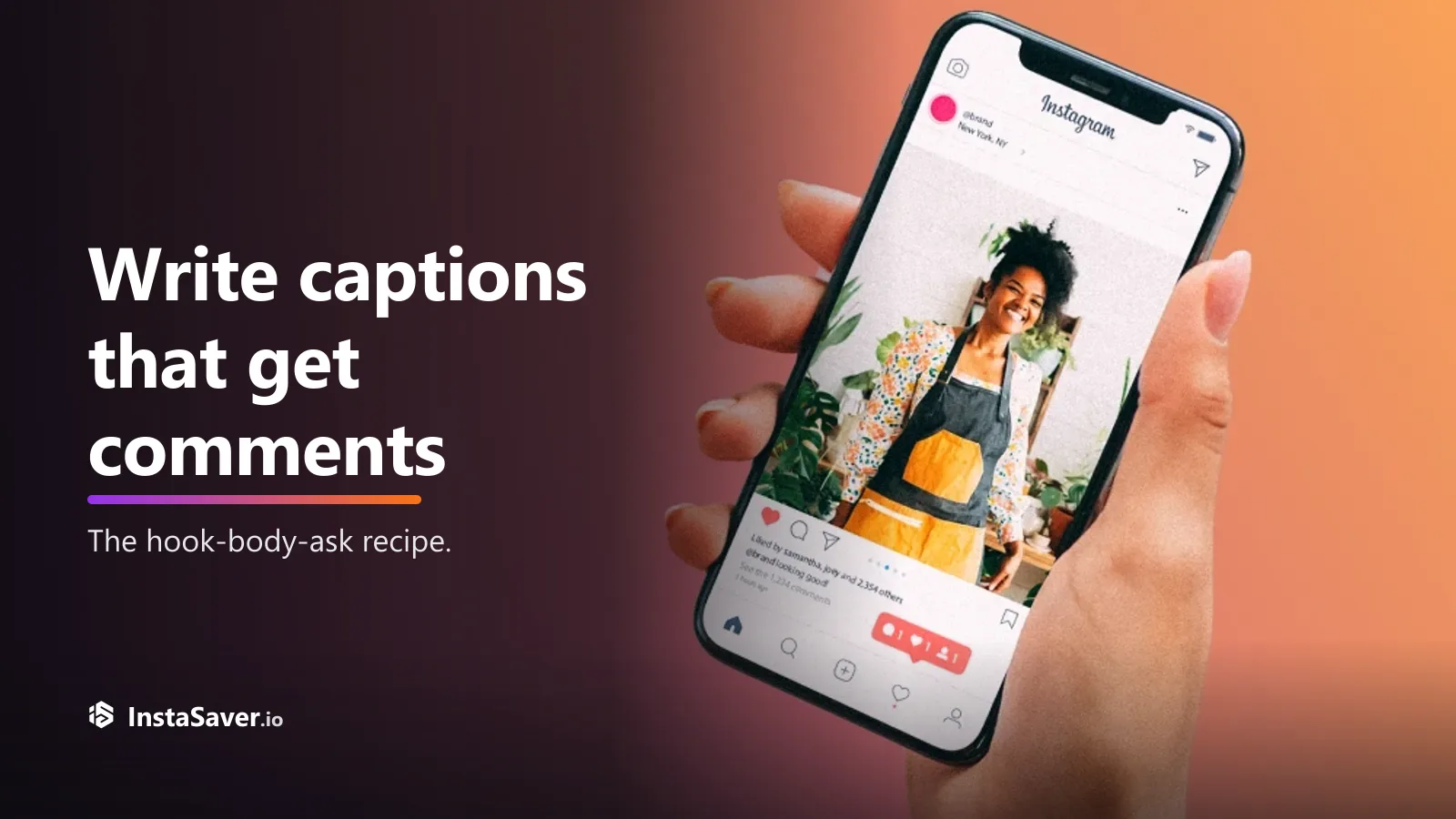
Great captions don’t just describe the photo — they give people a reason to reply. Here’s the hook-body-CTA recipe, with real before-and-after rewrites.
Use it for public video posts when you need a file that plays well, keeps its audio, and is easy to archive.

The downloader keeps the highest quality Instagram makes available, so saved videos stay sharp enough for offline viewing, review, and archive.

Saved videos are delivered without extra branding from Insta Saver, which makes them easier to review, store, or work with later.

Useful when you are checking several public video links in one session and want to move quickly between save, review, and archive tasks.

For public video posts, you can start from the link itself without creating an Insta Saver account first.

Works well when you are saving your own posts, reviewing competitor examples, or building a folder of public video references.

The focus here is a straightforward video file you can watch across devices or move into a wider content workflow without extra cleanup.
Trusted by thousands of video creators and marketers worldwide
"The HD quality is outstanding! I download Instagram videos for client presentations and the quality is always perfect. No degradation whatsoever."
Mike Chen
Video Editor
"Analyzing competitor video content is so much easier now. Fast downloads, no watermarks, and the quality is exactly what I need for my reports."
Lisa Martinez
Social Media Strategist
"I use this to archive my Instagram video portfolio. The download speed is impressive and it handles long-form IGTV content flawlessly!"
Ryan Cooper
Film Maker
"Perfect tool for repurposing video content. Downloads are quick, quality is maintained, and I can batch download multiple videos efficiently."
Emma Davis
Content Manager
"The best Instagram video downloader I've found. It's reliable, fast, and most importantly - it preserves the original HD quality every single time."
Carlos Rodriguez
Digital Marketer
"I love how straightforward it is! No complicated steps, just paste and download. Great for creating compilation videos and highlight reels."
Jennifer Kim
YouTube Creator
Common questions about downloading Instagram videos
This page is for public Instagram video posts you want to keep outside the app. It helps you save cleaner video files for offline viewing, reference, archive, or edit prep.
Instagram's Save button is fine for bookmarking, but it does not give you a local file. If you need the video outside the app, want to watch it offline, or need it ready for review later, a bookmark is not enough.
A direct video download is more useful when you are backing up your own posts, collecting public references, or keeping a clean copy of a video that may be removed or changed later.
Useful reasons to save a video
Generic grabbers often return the wrong clip, lower the quality, or make the file harder to reuse later. A video-specific flow is better when you want a file that plays well across devices and still keeps its original context.
This page is aimed at straightforward Instagram video downloads: clean output, preserved audio, and a format that is easier to store, review, or move into a wider content workflow.
What this page is best at
Copy the full video URL directly from Instagram when possible. Clean links are less likely to return the wrong media, fail to load, or lose associated audio.
If the link points to a reel or another format-specific post, switch to the matching tool instead of forcing it through the video flow. That usually gives a cleaner result on the first try.
Before you download
Downloading a public video does not change who owns it. If you plan to repost, publish, or use it in commercial work, keep attribution and permission in mind.
This tool is best used for backups, offline access, research, and other legitimate workflows involving content you are allowed to view.
Good practice
Download your favorite Instagram videos in HD quality without watermarks - completely free and fast!