
Instagram SEO: How to Get Found in Search (Not Just the Feed)
Instagram has its own search engine, and since July 2025 Google indexes a slice of public posts too. Here's where your keywords actually matter.
Sep 8, 2026•9 min read
Read articleDownload any Instagram reel in 3 simple steps
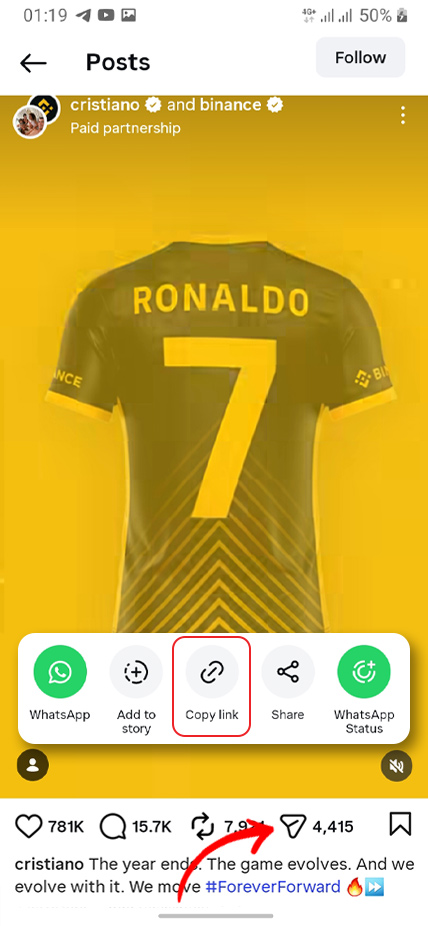
On Instagram, open the reel, tap Share, then choose Copy link.
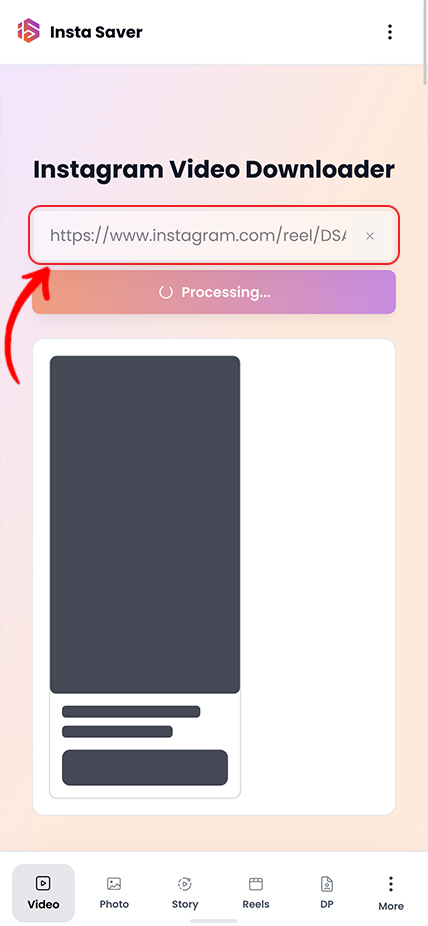
Paste the link above and tap Download.
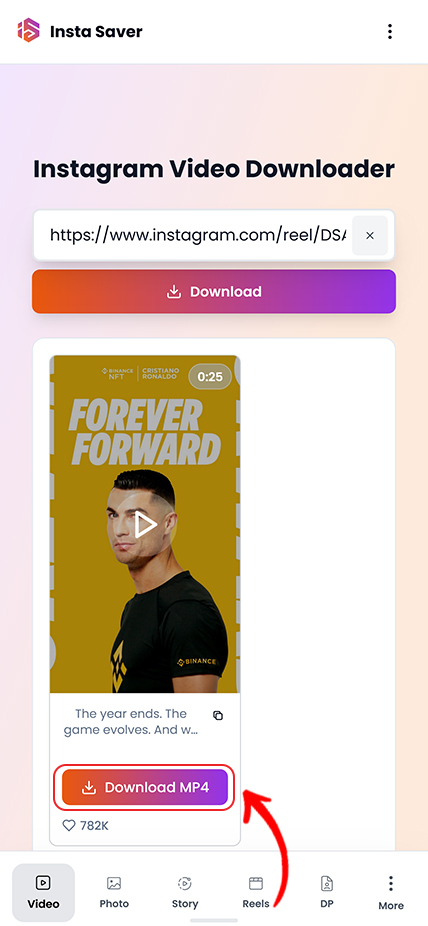
Save the reel as MP4, or download audio as MP3 if available.
Practical tips and strategies to elevate your Instagram game.
Instagram has its own search engine, and since July 2025 Google indexes a slice of public posts too. Here's where your keywords actually matter.
Instagram capped hashtags at five and quietly killed hashtag-follow. Here is what that actually means, and what to use instead for the reach hashtags used to promise.
Your photo looks crisp on your phone, then Instagram serves it back soft and washed out. You can't turn compression off — but you can hand Instagram a file it barely has to touch.
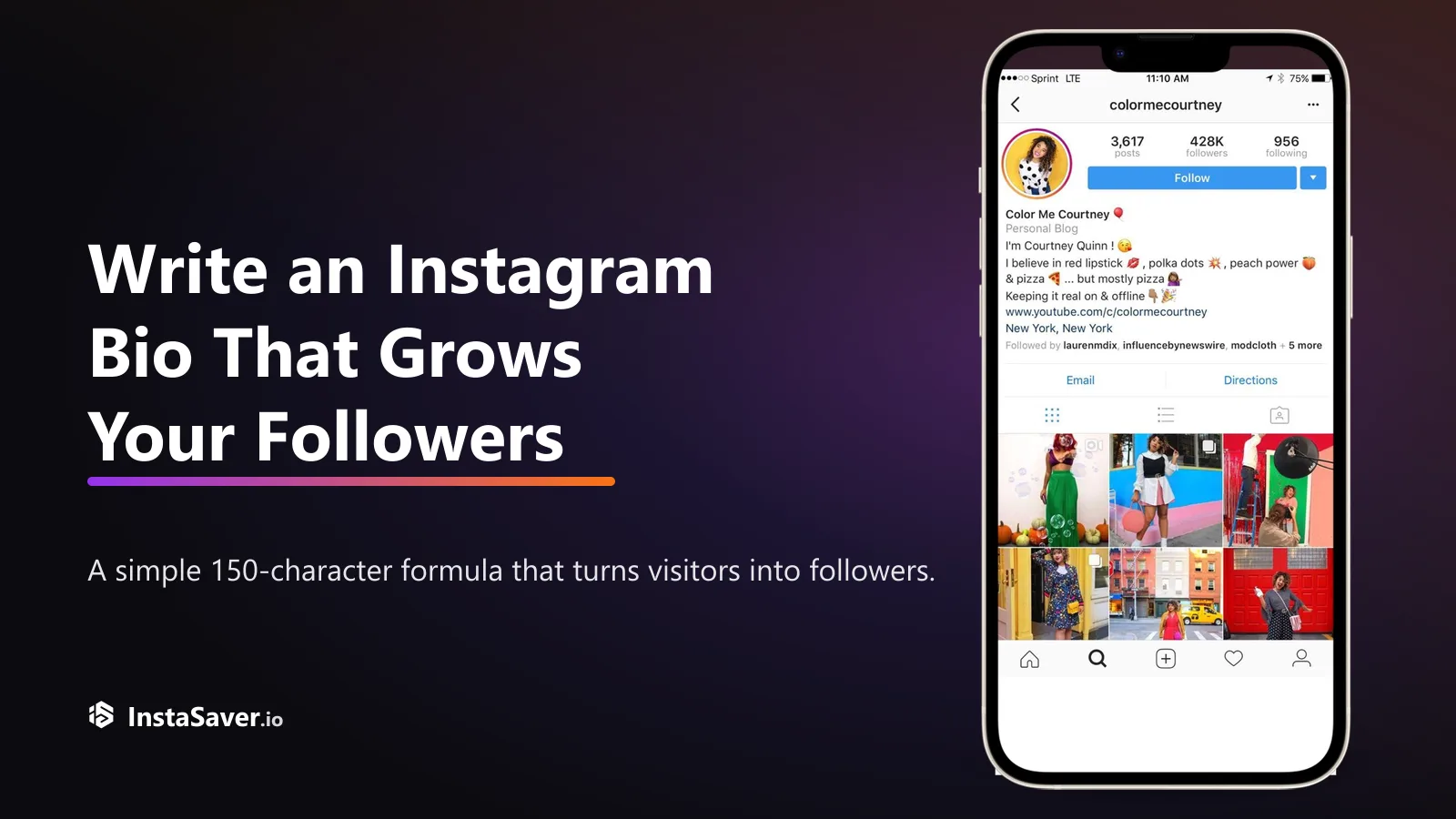
Someone lands on your profile with one question: 'why should I follow?' Your bio has about three seconds and 150 characters to answer it. Here's the formula that does.

The exact pixels for every Instagram format in 2026, and the safe zones where the app's own UI covers your content — so nothing important gets hidden behind a button.
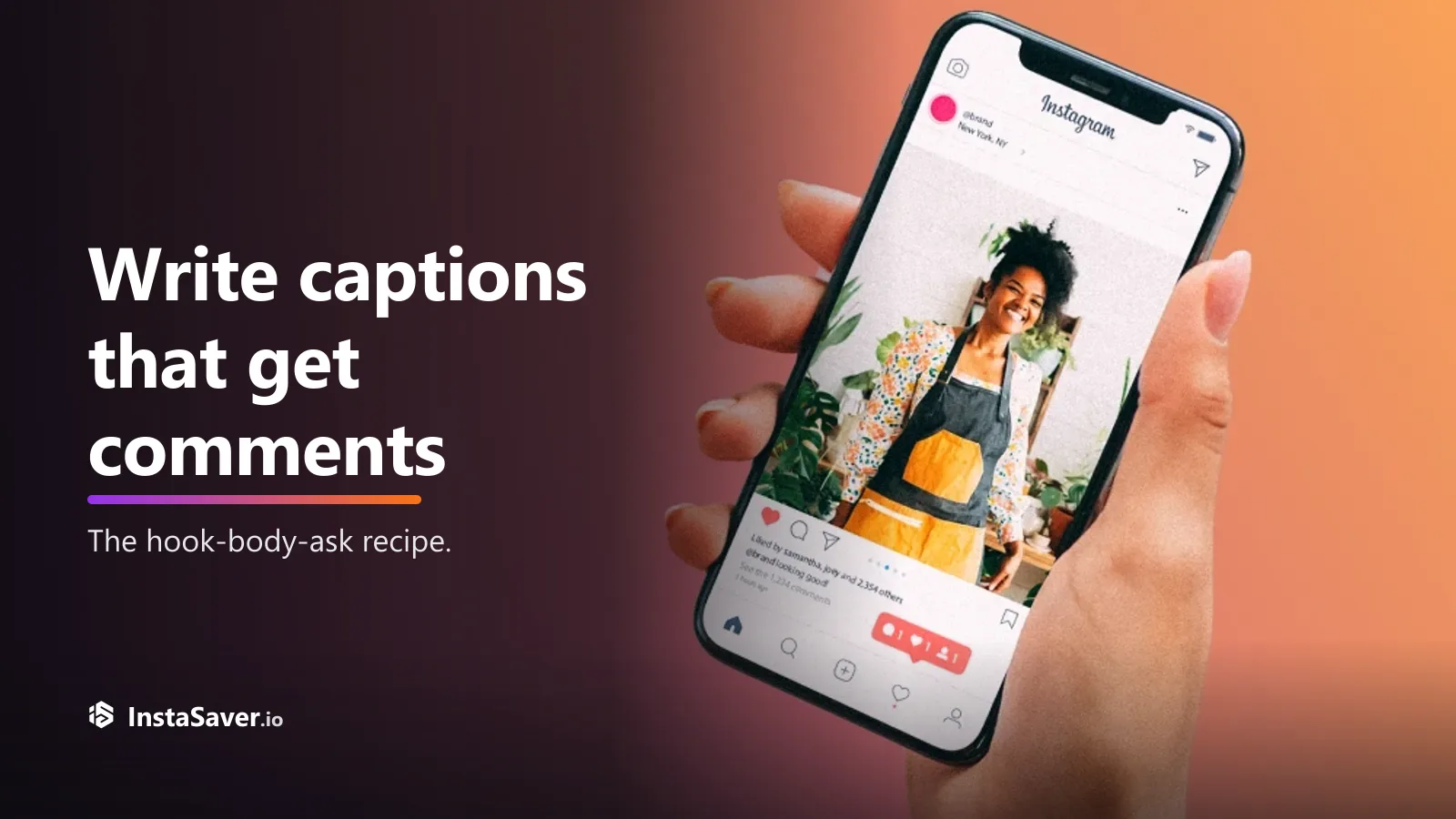
Great captions don’t just describe the photo — they give people a reason to reply. Here’s the hook-body-CTA recipe, with real before-and-after rewrites.
Use this page when you need a vertical Instagram reel with its audio intact and a file that is easy to review or reuse.

The downloader keeps the highest quality Instagram makes available, so short-form video stays sharp enough for archive, study, and repost prep.

Saved reels are delivered without added overlays from Insta Saver, which keeps the file easier to review and reuse later.

Helpful when you are checking several reels in one session and want to move quickly between save, review, and reference.

For public reels, you can start from the link itself without creating an Insta Saver account first.

Works well when you are collecting public examples, backing up your own reels, or reviewing multiple short-form posts together.

Use the full reel when visuals matter, or switch to audio-only output when the soundtrack or spoken content is what you actually need.
Trusted by thousands of reels creators and social media enthusiasts worldwide
"This is my go-to tool for saving my best reels! The quality with audio is perfect, and it's so fast. Essential for any content creator who wants to repurpose their reels."
Alex Rivera
Reels Creator
"I love cross-posting my Instagram reels to other platforms. This tool makes it seamless - HD quality, full audio, no watermarks. Absolutely perfect!"
Jordan Lee
TikTok Influencer
"The audio extraction feature is a game changer! I can download just the music from trending reels for my classes. Super useful and always high quality."
Taylor Brown
Dance Choreographer
"Backing up my viral reels has never been easier. Fast downloads, perfect quality, and I can use them for compilations. This tool is a lifesaver!"
Morgan White
Comedy Content Creator
"The fact that I can extract audio or download with video is incredible. Quality is always top-notch, and it's free! Best reels downloader out there."
Casey Johnson
Music Producer
"Analyzing trending reels for my clients is so much easier now. I can download, study, and share insights without any hassle. Highly recommended!"
Riley Martinez
Social Media Manager
Common questions about downloading Instagram reels
Reels rely on timing, vertical framing, and audio working together. This page is built to save public reels in a format that stays useful outside the Instagram app.
A reel is not just another video post. Short-form pacing, music cues, captions, and vertical framing all matter, so a weak download can strip away the parts that make the reel usable.
A reel-specific workflow is better when you want to keep the original feel of the post for review, archive, creator backup, or content planning.
Good reasons to save a reel
Generic downloaders can return a file that plays, but still lose what made the reel useful in the first place. Lower quality, missing audio, or awkward exports make short-form reference work harder than it needs to be.
This page is designed for public reels specifically: vertical video, preserved audio, and a cleaner output for archive, research, or reuse planning.
What this page is best at
If the reel itself matters, keep the full video. If you only need the soundtrack, voiceover, or spoken clip, use audio-only output when it is available instead of keeping the full file.
Copy the reel URL directly from Instagram when possible. Clean links are more likely to load the right post on the first try and avoid problems caused by chat apps or shortened shares.
Before you download
Downloading a public reel does not transfer ownership. If you plan to share, publish, or repurpose it, credit and permission still matter.
This tool is best used for backups, offline review, research, and other legitimate workflows involving content you are allowed to view.
Good practice
Download your favorite Instagram Reels in HD quality with audio - completely free and fast!