
Instagram SEO: How to Get Found in Search (Not Just the Feed)
Instagram has its own search engine, and since July 2025 Google indexes a slice of public posts too. Here's where your keywords actually matter.
Sep 8, 2026•9 min read
Read articleSave highlights from any profile in 3 simple steps
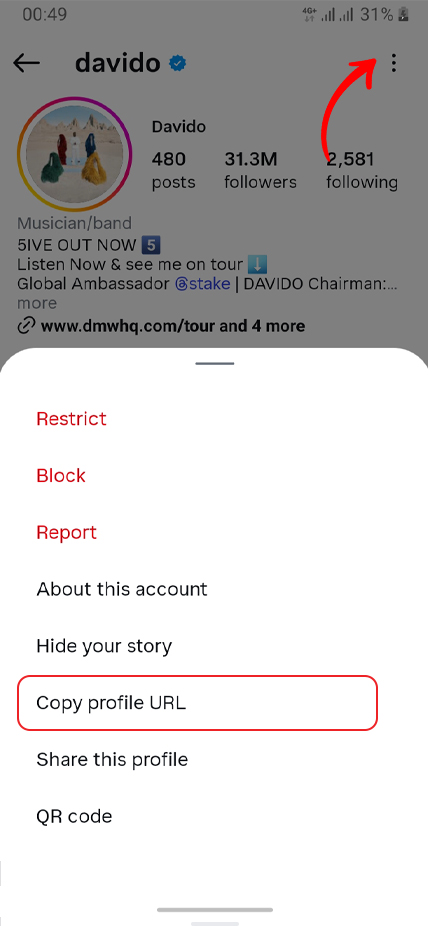
Open Instagram, find the user whose highlights you want to download and copy their username or profile URL
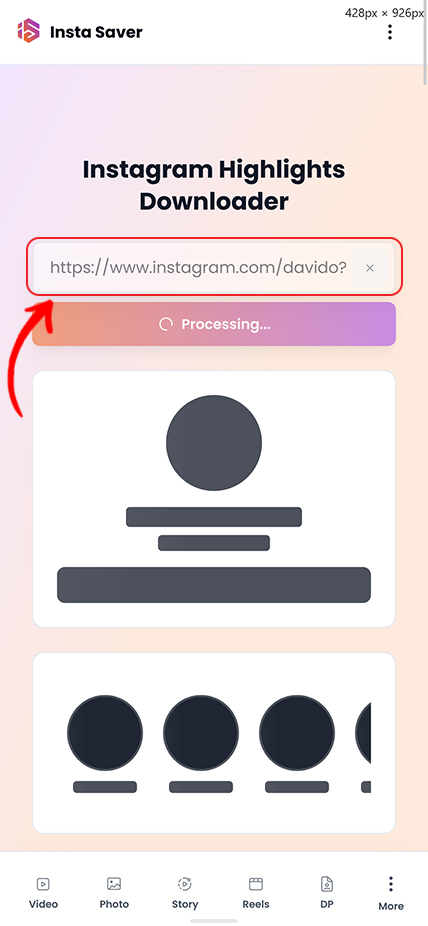
Paste the Instagram username or profile URL in the input field above and click the download button
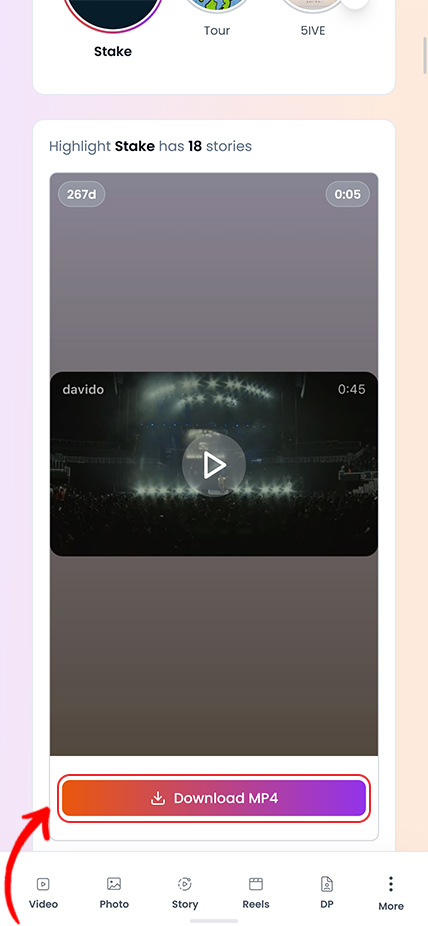
View all highlights from the profile, then save covers and stories in HD without watermarks
Practical tips and strategies to elevate your Instagram game.
Instagram has its own search engine, and since July 2025 Google indexes a slice of public posts too. Here's where your keywords actually matter.
Instagram capped hashtags at five and quietly killed hashtag-follow. Here is what that actually means, and what to use instead for the reach hashtags used to promise.
Your photo looks crisp on your phone, then Instagram serves it back soft and washed out. You can't turn compression off — but you can hand Instagram a file it barely has to touch.
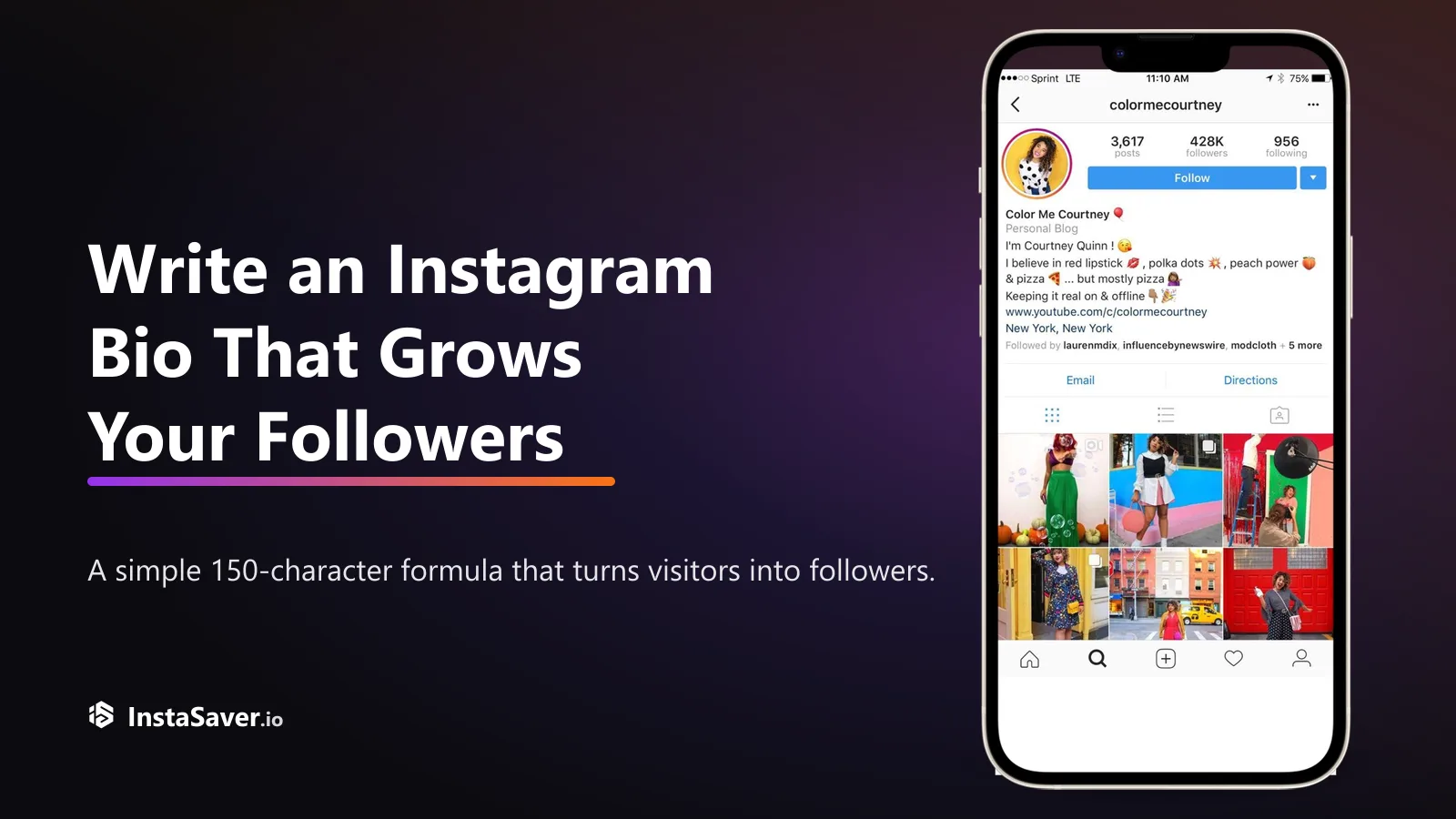
Someone lands on your profile with one question: 'why should I follow?' Your bio has about three seconds and 150 characters to answer it. Here's the formula that does.

The exact pixels for every Instagram format in 2026, and the safe zones where the app's own UI covers your content — so nothing important gets hidden behind a button.
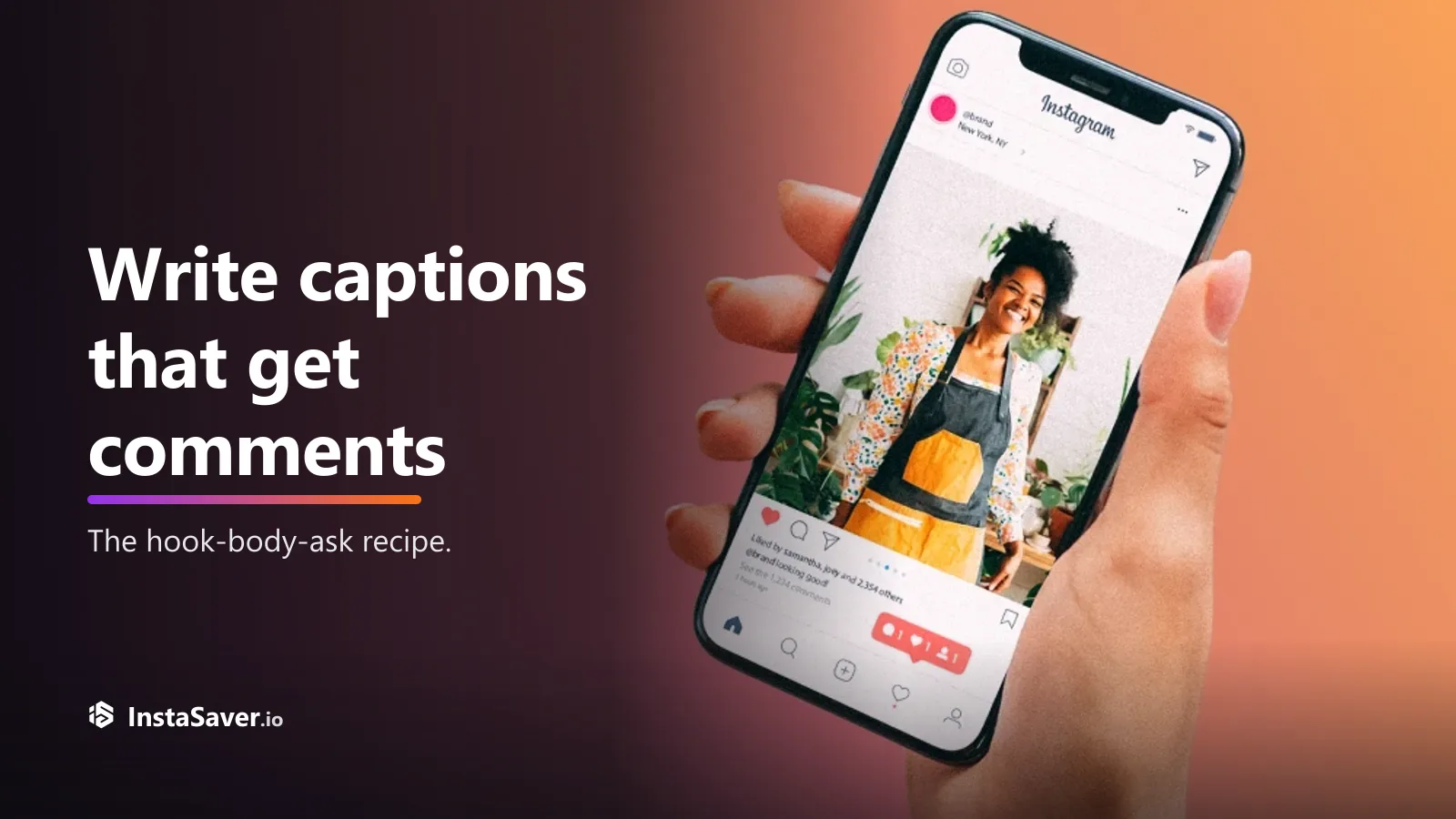
Great captions don’t just describe the photo — they give people a reason to reply. Here’s the hook-body-CTA recipe, with real before-and-after rewrites.
Use this page when you want the saved story sets on a profile, not just one active story or one single post.

The downloader keeps the highest quality Instagram makes available for both highlight covers and the stories inside each set.

Use a public username or profile URL to load the highlight collections attached to that account instead of chasing individual story links.

Highlights often contain many saved stories, so this page is designed to help you move through grouped content more cleanly.

Works well when you are saving your own organized story sets, reviewing public brand highlights, or keeping long-running collections offline.

The goal is a more complete highlight archive, including the cover image and the stories grouped inside that highlight.

For public highlights, you can start from the username or profile link without creating an Insta Saver account first.
Trusted by thousands who archive their best Instagram moments
"My travel highlights are precious memories. This tool lets me download entire collections with covers intact. Perfect for creating compilation videos later!"
Drew Anderson
Travel Vlogger
"Downloading client wedding highlights for backup has never been easier. The ZIP feature is fantastic - one click and I have the entire collection saved!"
Avery Thompson
Wedding Photographer
"I organize my workout tips in highlights, and this tool helps me archive them for future reference. HD quality and super fast downloads every time!"
Quinn Martinez
Fitness Influencer
"Analyzing how brands organize their highlights is crucial for my work. This tool makes it simple to download and study their content strategy."
Reese Johnson
Brand Strategist
"My recipe highlights are my pride! Being able to download them with covers and all stories intact is amazing. Essential tool for any content creator."
Skyler Brown
Food Blogger
"The batch download feature saves me so much time! I can grab entire highlight reels for client presentations. Quality is always perfect!"
Parker Lee
Digital Marketer
Common questions about saving Instagram highlights
Highlights are not the same as active stories. This page is built for saved story collections that stay on a profile and are meant to be browsed as grouped sets.
Highlights usually hold the story collections a creator or brand wants people to keep seeing: product lines, FAQs, travel sets, event recaps, tutorials, and other curated profile sections.
That makes a highlight saver useful when you want the whole set in one place instead of trying to collect the same stories one by one.
When this page helps most
This page is meant for grouped story collections attached to a profile. If you only need a current story that is still live, the Story Saver is usually the better choice.
Choosing the right flow first makes the results cleaner and avoids mixing active stories with saved highlight sets.
What this page is best at
Highlights are profile-based, so a username or full profile URL is usually the best input. That gives the tool the clearest way to load the highlight grid first.
If no highlight grid appears, recopy the username or profile link directly from Instagram. Post links, reel links, and broken shared URLs usually send you into the wrong flow.
Before you download
Downloading a public highlight does not transfer ownership of the content. If you plan to share, publish, or reuse it commercially, attribution and permission still matter.
This tool is best used for backups, offline access, research, and other legitimate workflows involving content you are allowed to view.
Good practice
Save highlight covers and stories in HD-fast, free, and without watermarks.