Instagram SEO: How to Get Found in Search (Not Just the Feed)
Instagram has its own search engine, and since July 2025 Google indexes a slice of public posts too. Here's where your keywords actually matter.
Sep 8, 2026•9 min read
Read articleSimple 3-step process to download any Instagram content
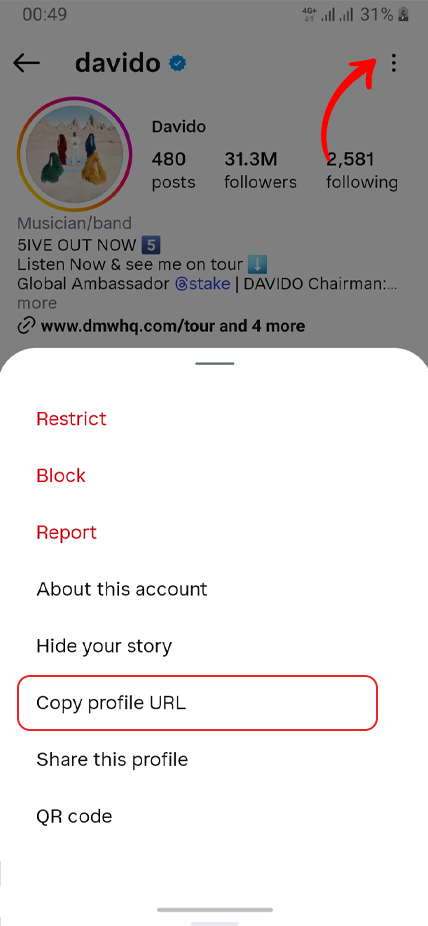
On Instagram, open the post/reel/story, tap Share (or "···"), then choose Copy link.

Paste the link into the box above and tap Download.
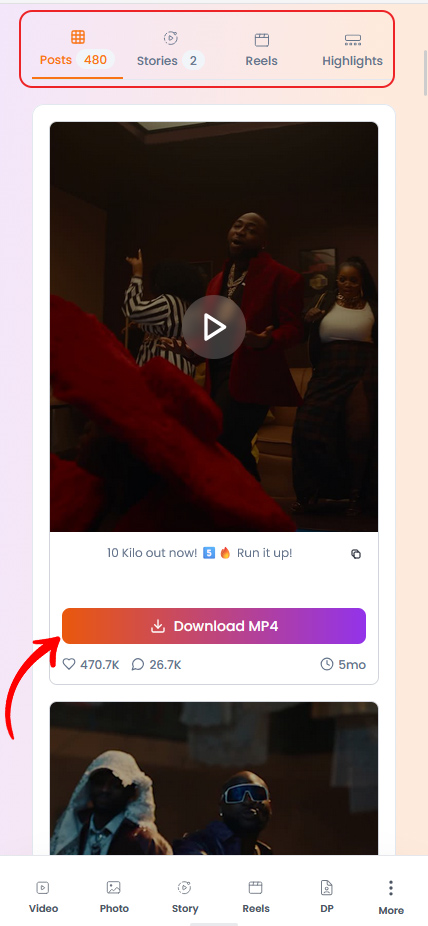
Pick the available format/quality and save it to your device.
Practical tips and strategies to elevate your Instagram game.
Instagram has its own search engine, and since July 2025 Google indexes a slice of public posts too. Here's where your keywords actually matter.
Instagram capped hashtags at five and quietly killed hashtag-follow. Here is what that actually means, and what to use instead for the reach hashtags used to promise.
Your photo looks crisp on your phone, then Instagram serves it back soft and washed out. You can't turn compression off — but you can hand Instagram a file it barely has to touch.
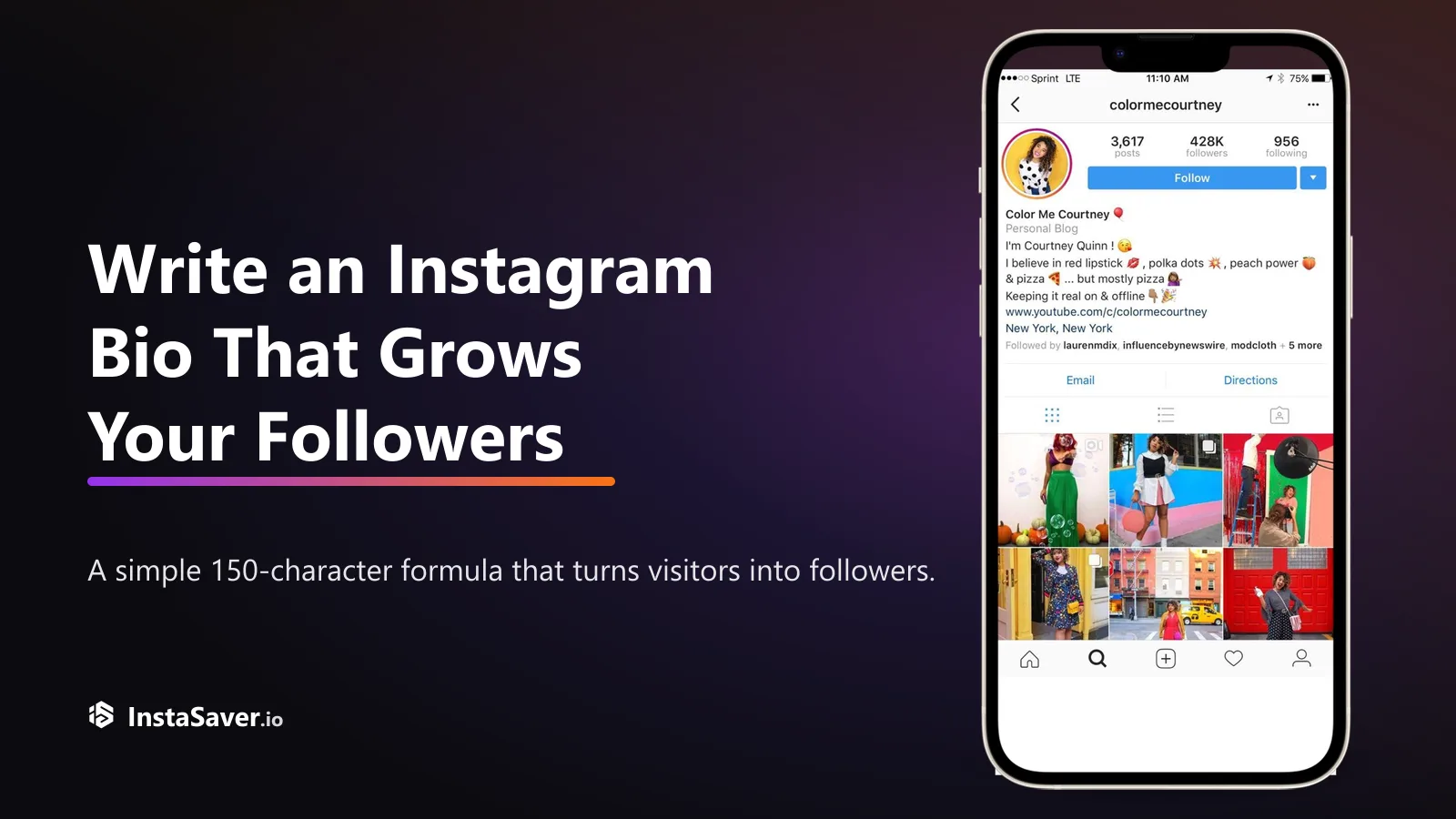
Someone lands on your profile with one question: 'why should I follow?' Your bio has about three seconds and 150 characters to answer it. Here's the formula that does.

The exact pixels for every Instagram format in 2026, and the safe zones where the app's own UI covers your content — so nothing important gets hidden behind a button.
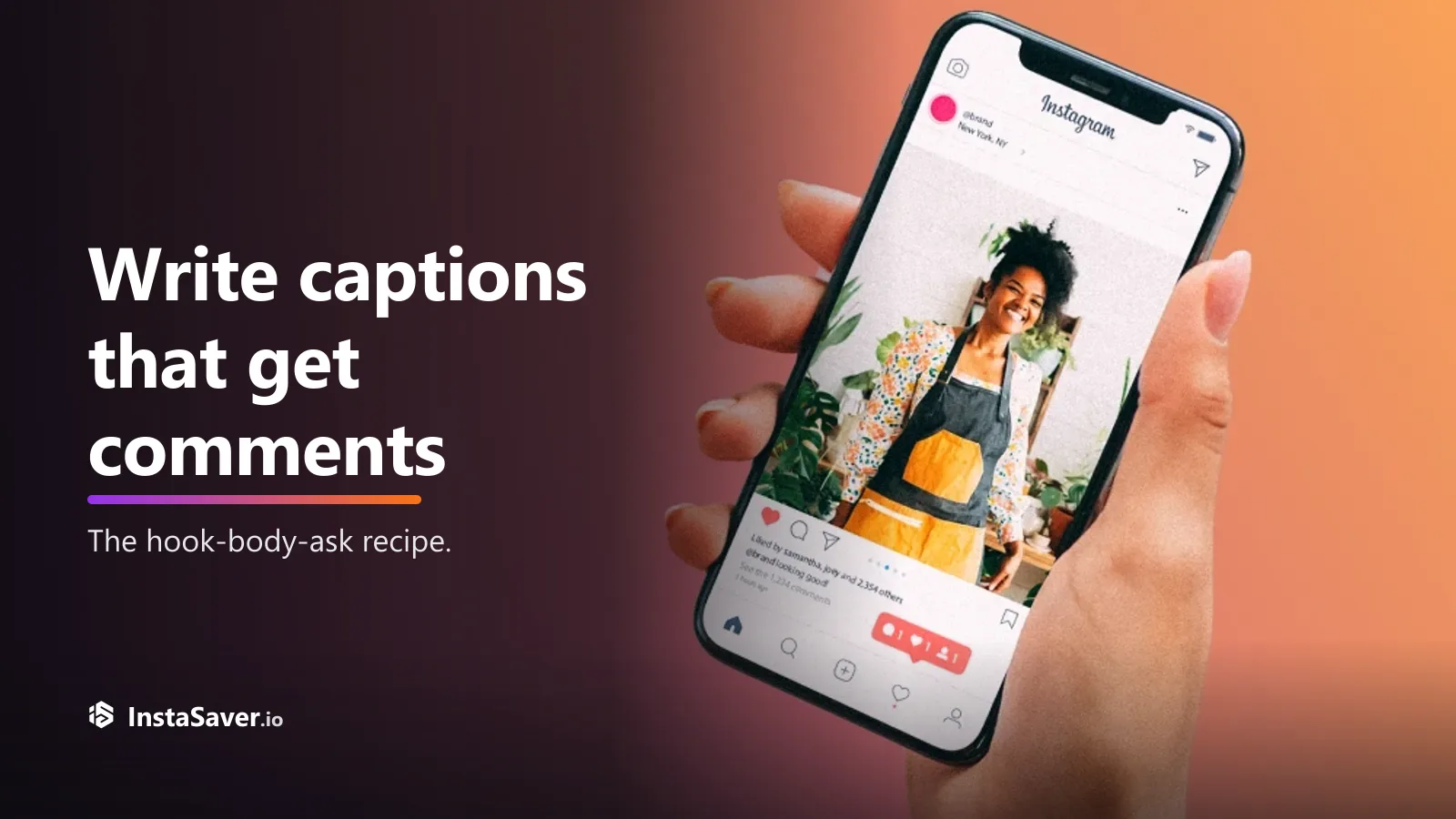
Great captions don’t just describe the photo — they give people a reason to reply. Here’s the hook-body-CTA recipe, with real before-and-after rewrites.
Save posts, reels, stories, highlights, profile images, and more from one clean workflow.

Paste a link and get to the right download flow quickly, whether you are saving one photo or working through a full story set.

For supported public content, you can use the core tools without creating an Insta Saver account or handing over Instagram credentials.

Insta Saver keeps the best version Instagram makes available, so videos stay sharp and images keep their detail.

The main downloader tools are available without subscriptions, paywalls, or forced signup before you start.

Helpful when you are backing up your own posts, collecting references, or reviewing several public links in one session.

Open the page, paste the link, choose the right tab if needed, and save the content you need without installing anything first.
Each tool is built for a specific job, from saving one reel to reviewing a full profile or follower list.
Use this for public Instagram video posts when you need a clean file for offline viewing, reference, or archive. It is the most direct option for standard video links and longer clips.
Save public Instagram images without relying on screenshots or low-resolution previews. It works well for single-image posts when you want a local copy for reference, archive, or reuse planning.
Built for short-form vertical video where audio and timing matter. Use it to save public reels for creator backup, edit reference, or offline review.
Use Story Saver for public stories that may disappear soon. It is useful when you need to keep time-sensitive updates, campaign references, or your own story archive before the 24-hour window closes.
Highlights is the better choice when one story link is not enough and you want the saved story sets from a profile. It helps you review grouped content, covers, and older story collections in one place.
Open a larger version of a public Instagram profile photo instead of relying on the tiny in-app thumbnail. It is useful for profile checks, contact reference, and brand review.
Trusted by thousands of content creators, marketers, and Instagram enthusiasts worldwide
"Insta Saver has been a game-changer for my content workflow. I can easily download and repurpose my Instagram content across different platforms. The quality is always perfect!"
Sarah Mitchell
Content Creator
"Finally, a tool that actually works! I've tried countless Instagram downloaders, but Insta Saver is the most reliable. Fast, easy to use, and supports all the features I need."
Marcus Rodriguez
Digital Marketer
"Managing multiple client accounts is so much easier now. I can quickly save stories, reels, and posts for content analysis. The download quality is exceptional!"
Emma Thompson
Social Media Manager
"As a photographer, I need high-quality downloads of my work. Insta Saver delivers every time with no quality loss. It's become an essential tool in my daily workflow."
David Chen
Photographer
"I love how simple and fast it is! No ads, no complications, just paste the link and download. Perfect for backing up my content and creating compilation videos."
Jessica Williams
Influencer
"The best Instagram downloader I've used. It handles reels, IGTV, and stories flawlessly. The interface is clean and intuitive. Highly recommend for any content professional!"
Alex Kumar
Video Editor
Everything you need to know about downloading from Instagram
Insta Saver works best when you match the link to the right tool. This guide explains which downloader to use, when it helps, and how to get cleaner results from the links you paste.
Not every Instagram link should be handled the same way. A reel, a profile, a story collection, and a carousel post each need a different flow if you want a clean result.
This homepage is the shortcut to all of them. Use Video or Reels for motion posts, Photo or Carousel for image posts, Story and Highlights for temporary or grouped content, DP for profile photos, and Audio when you only need the sound.
Common starting points

Instagram's Save button is useful for bookmarking, but it does not give you a file you can keep outside the app. If a post is deleted, a story expires, or you need the media while offline, a bookmark is not enough.
A downloader is more practical when you need a local copy for backup, team review, research folders, moodboards, or your own content archive.
When it helps most

Copy the URL directly from Instagram whenever possible. Clean links are more likely to load the correct media, cover image, and audio on the first try.
For profiles, stories, and highlights, a username or profile URL is often more useful than a single media link. If something does not load, check that the content is still public and that you selected the matching tool.
Before you download
Start downloading your favorite Instagram videos, photos, reels, and stories in high quality - completely free!