
Instagram SEO: How to Get Found in Search (Not Just the Feed)
Instagram has its own search engine, and since July 2025 Google indexes a slice of public posts too. Here's where your keywords actually matter.
Sep 8, 2026•9 min read
Read articleFor your own or authorized content only
This tool is for saving and backing up media from your own private account, or content you already have permission to access while logged in. Please do not use it to view or download anyone’s private content without their consent.
Log in to Instagram first (desktop recommended).
Make sure you're logged into Instagram first. Desktop browser is recommended for easier copy/paste.
Follow these steps
Paste an instagram.com link (post/reel/story/highlight/profile) or enter a username to generate the page link.
Click the 'Open' button to open the generated link in a new tab. You'll see a page with text data from Instagram. Select all the text on that page (Ctrl+A or Cmd+A) and copy it (Ctrl+C or Cmd+C). This text contains the media information we need to extract download links.
Come back to this page and paste all the copied text into the large text box below. Make sure you provide the entire page content - we'll process it and show results.
Practical tips and strategies to elevate your Instagram game.
Instagram has its own search engine, and since July 2025 Google indexes a slice of public posts too. Here's where your keywords actually matter.
Instagram capped hashtags at five and quietly killed hashtag-follow. Here is what that actually means, and what to use instead for the reach hashtags used to promise.
Your photo looks crisp on your phone, then Instagram serves it back soft and washed out. You can't turn compression off — but you can hand Instagram a file it barely has to touch.
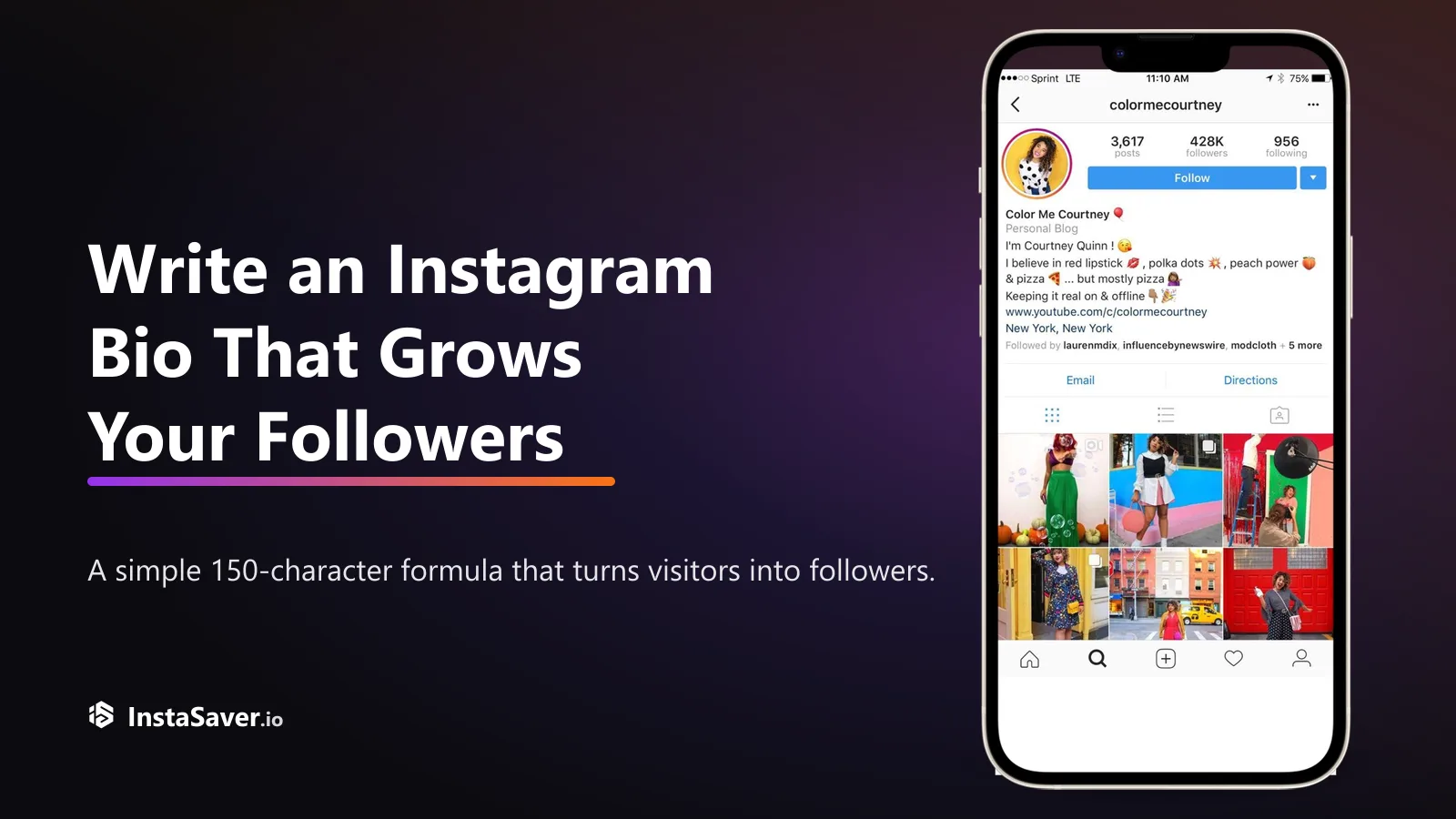
Someone lands on your profile with one question: 'why should I follow?' Your bio has about three seconds and 150 characters to answer it. Here's the formula that does.

The exact pixels for every Instagram format in 2026, and the safe zones where the app's own UI covers your content — so nothing important gets hidden behind a button.
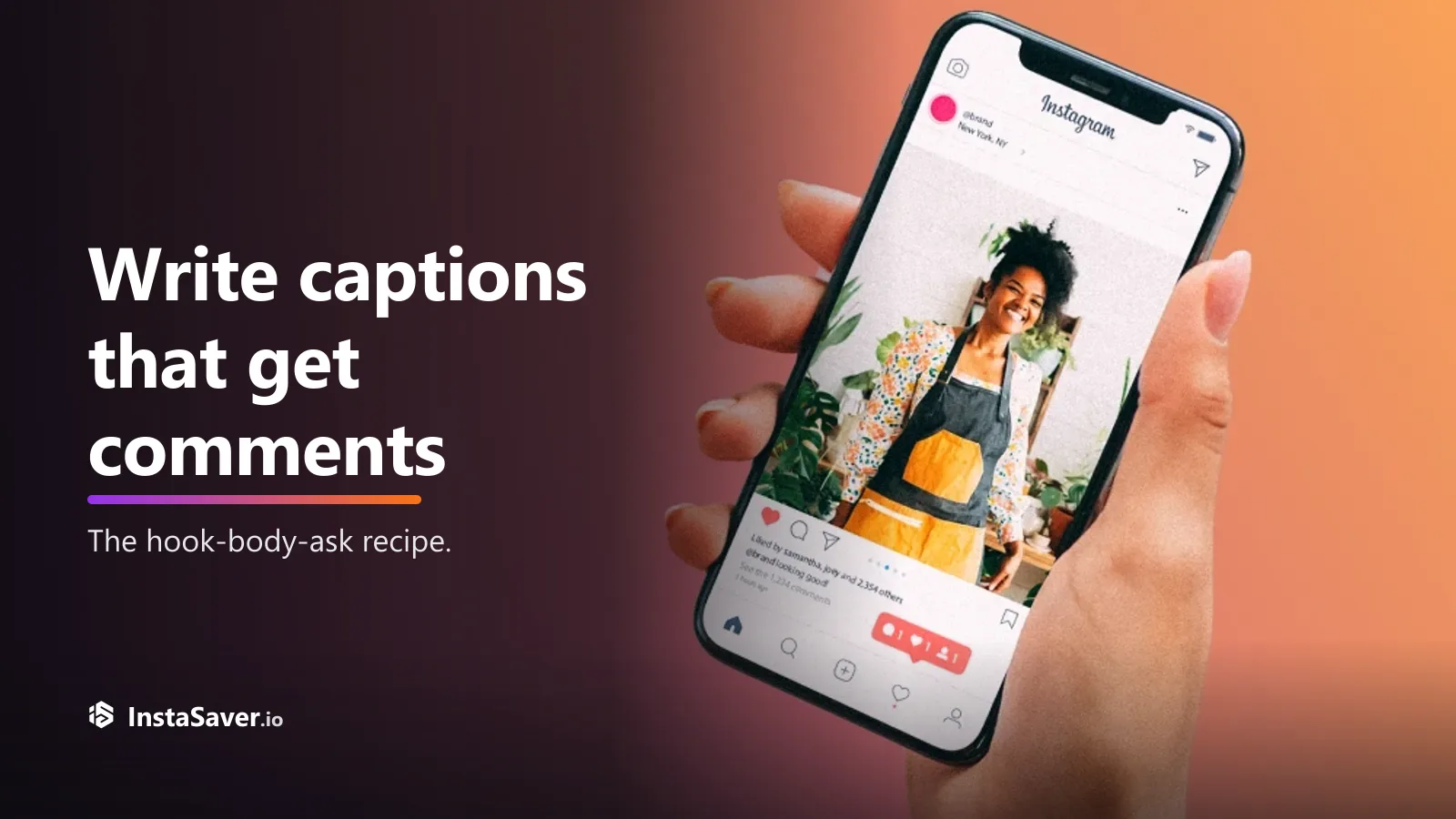
Great captions don’t just describe the photo — they give people a reason to reply. Here’s the hook-body-CTA recipe, with real before-and-after rewrites.
This workflow only works with content your Instagram session can already access. It is designed to avoid password sharing and avoid any privacy-bypass framing.

The private workflow is not a bypass tool. It only helps you extract media from content your logged-in Instagram session is already allowed to access.

You stay logged into Instagram in your own browser and only paste the generated page text back here. Your credentials are not entered into Insta Saver.

The process is explicit and manual: generate the page, open it while logged in, copy what it shows, then paste it back for extraction.

Once the pasted data is valid, the tool can turn accessible media into cleaner download options without making you save each item by hand.

When extraction succeeds, the resulting media is delivered without extra branding from Insta Saver.

This is most useful when you are backing up your own content, preserving approved client media, or working with private accounts you already follow legitimately.
Trusted by thousands who need access to their accessible private content
"Finally, a way to download content from accounts I follow! The copy-paste method is clever and works perfectly. Great for backing up important posts!"
Charlie Rivera
Content Archivist
"I needed to save educational content from private accounts I follow. This tool makes it possible without any hassle. Respects privacy while being super useful!"
Jesse Thompson
Digital Curator
"The workflow is ingenious - uses only what you can already access. Perfect for research purposes when you need to document content from followed accounts."
Logan Anderson
Social Media Researcher
"Analyzing private account strategies for clients I manage is now possible. The tool respects privacy boundaries while giving me the access I need. Excellent!"
Bailey Martinez
Content Strategist
"For accounts my brand follows, this helps me archive their content for reference. The extraction works smoothly and maintains quality. Very impressed!"
Drew Williams
Brand Manager
"The copy-paste approach is brilliant - it only works with content I can legitimately access. Safe, ethical, and incredibly useful for my consulting work!"
Avery Johnson
Digital Marketing Consultant
Common questions about the private viewer workflow
This page is intentionally narrow. It does not open private accounts for you. It only helps you work with content your own Instagram session can already see.
The workflow depends on your existing Instagram access. If you follow the account or otherwise have legitimate access to the content in your own logged-in session, this page can help you turn that accessible media into download links.
What it does not do is bypass privacy settings, guess hidden media, or replace Instagram permissions. If you cannot view the content in Instagram first, this tool cannot create access for you.
When this page helps most
The safest part of this workflow is that you stay logged into Instagram on your side. Insta Saver does not ask for your password and does not impersonate your session directly.
Instead, you open a generated page while logged in, copy the text it shows, and paste that text back here. That keeps the flow more transparent and avoids the usual risks of handing credentials to a downloader.
What this page is best at
Most failures come from incomplete copied text, expired generated pages, or using the wrong source link. The safest approach is to copy all text from the opened page in one go and paste it immediately.
If the content is no longer available in your Instagram session, extraction will fail. That includes cases where access changed, the content was deleted, or the generated page was opened while logged out.
Before you paste
Access does not equal permission to redistribute. Even if you can see and extract the media, private content still carries stronger expectations around privacy and consent.
This tool is best used for backup, review, and approved internal workflows involving content you already have a legitimate reason to access.
Good practice
Back up media from your own private account or content you are already authorized to view — fast, free, and without sharing your password.